Field-tested media guidance
Practical image and media optimization guides
PixMovo is an independent guide library for website owners, bloggers, shop operators, and creators who need smaller, cleaner, and more compatible media files.
Convert JPEG, PNG, and WebP images to JPEG, PNG, and WebP.
- No account required
- Files expire after 15 minutes
- Metadata removed by default
- Processed on the server
Editorial standards
How PixMovo earns its recommendations
Every published guide is written around a specific decision or workflow, cites primary technical references where claims depend on standards, and avoids promises that cannot be verified in the deployed product.
Source links are listed on guide pages when a format, browser, or processing claim depends on an external standard.
The tools remain available so readers can test a recommendation with their own files.
Topic clusters
Media topics covered
Start with the type of decision you need to make.
Image optimization guides
Choose JPEG, PNG, WebP, HEIC, SVG, or background-removal workflows based on transparency, quality, compatibility, and file-size tradeoffs.
Format decisions
Learn what each format is built for before converting files or changing export settings.
Compare formats
Use side-by-side decision tables for common publishing, ecommerce, screenshot, and print scenarios.
Conversion paths
Popular image conversion paths
Jump directly to common publishing workflows after you decide which output format fits the job.
Web publishing guidance
Choose formats for the page, not just the file
Image optimization is useful when it protects clarity, compatibility, and loading speed at the same time.
WebP helps websites load faster
Use WebP for many website graphics and product images when browser support is acceptable and smaller file size matters.
JPEG is usually better for photographs
Use JPEG for photos and detailed images when transparency is not needed and a controlled quality setting is acceptable.
PNG is safer for transparency
Use PNG for screenshots, UI assets, logos, and transparent images where crisp edges matter more than the smallest possible file.
Batch work still needs review
Batch conversion saves time, but important files should still be checked for clarity, transparency, dimensions, and final file size.
Practical workflow
Decide before you convert
The site is organized around repeatable media decisions, then provides tools so you can test the recommendation with your own file.
Check the publishing target
Start with the destination: website, email, marketplace, social platform, document, or print. Each destination changes the best format, size, and quality choice.
Choose format and size together
Pick JPEG, PNG, WebP, HEIC, SVG, PDF, or video settings based on transparency, compatibility, compression, and whether the file needs to be edited later.
Verify the output
Download the result, compare clarity and file size, and keep the original when the file is important or when a lossy conversion was used.
Updated library
Recently reviewed guides
A small set of focused articles is easier to maintain and more useful than a broad directory of shallow pages.
Supporting utility
Try the image converter
Use the converter as a supporting utility after you choose the right format or workflow.
Tested conversion
Reproducible conversion evidence
Inspect the exact input, output, settings, and runtime recorded for this conversion.
JPEG to WebP at quality 82
Source file
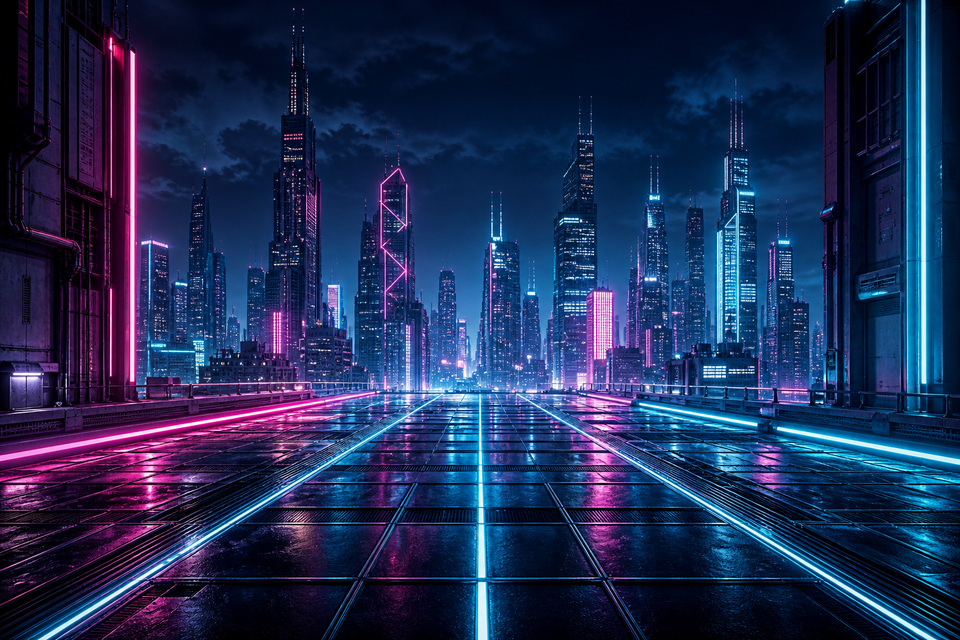
- image/jpeg
- 960 × 640 px
- File size
- 385.9 KiB
- SHA-256
83810aaff50de9d09430423e82c8d13e169c7415c1229caa2741007100575f36
Output file
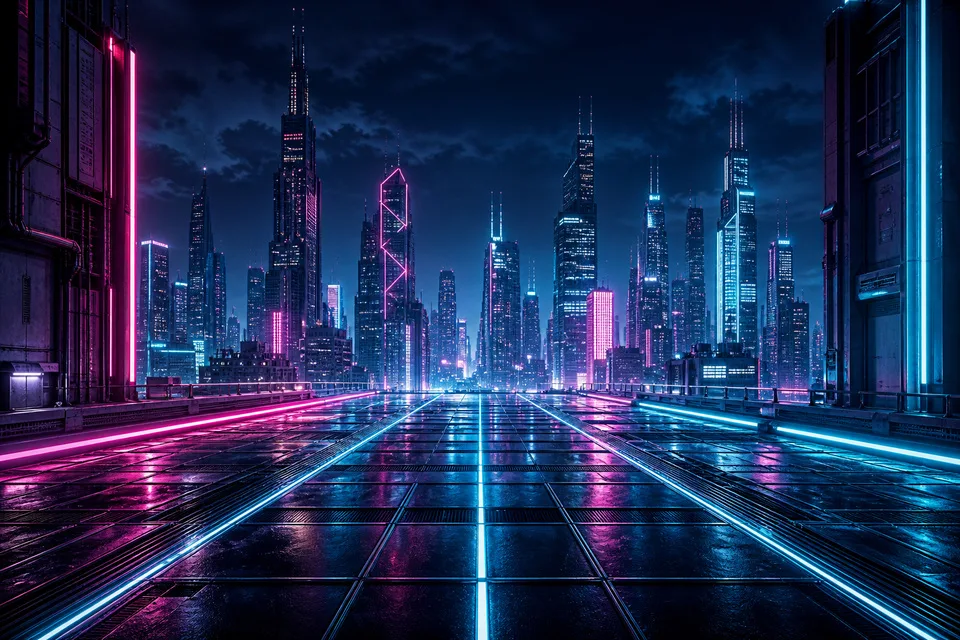
- image/webp
- 960 × 640 px
- File size
- 130.7 KiB
- SHA-256
501116c3dbc1ceeb842becf2bda6d5ac4243fe0cfbaef86946f3215ad5a8d14b
Parameters
- Target Format
- webp
- Quality
- 82
- Preserve Metadata
- false
Software versions
- ImageMagick
- Version: ImageMagick 7.1.2-18 Q16 x86_64 23822 https://imagemagick.org
- Python
- 3.14.4
Reproduction method
- Create the 960x640 JPEG source from the project-owned cyberpunk master fixture.
- Run app.converter.convert_image with WebP quality 82 and metadata stripping.
- Measure both files and calculate SHA-256.
Environment
Linux 7.0.0-28-generic x86_64 native PixMovo runtime
- Tested at
- Artifact license
- Project-generated PixMovo test artifact; redistribution permitted with PixMovo.
Private by default
Your files are handled with privacy in mind.
Focused format support
Convert JPEG, PNG, and WebP to JPEG, PNG, and WebP without unsupported format promises.
Ready in seconds
A direct workflow keeps image conversion moving.
Privacy-first media tools
Choose a media task
Convert, compress, and edit image, video, and PDF files without creating an account.
Image
Convert common image formats.
Video
Convert and prepare video files.
Document
Move between PDFs and images.
Popular image conversions
Practical guides
JPG to WebP for Faster Websites: Settings, Quality, and Fallbacks
WebP can reduce transfer size for photographic website images, but the useful result depends on the source, chosen quality, and the systems that must consume the file. This guide shows a careful JPG-to-WebP workflow instead of promising one universal saving.
PNG to JPG Without Unexpected Backgrounds
PNG can store transparent pixels; JPEG cannot. A PNG-to-JPG conversion must replace transparency with actual colour, so the background decision belongs in the conversion workflow rather than after the JPG is created.